
How do I keep track of important financial documents like invoices and receipts?
Systematically tracking financial documents like invoices and receipts is essential for expense management, tax preparation, and financial audits. This involves consistently identifying, naming, and categorizing these files for quick retrieval, moving beyond reliance on folder searches or memory.
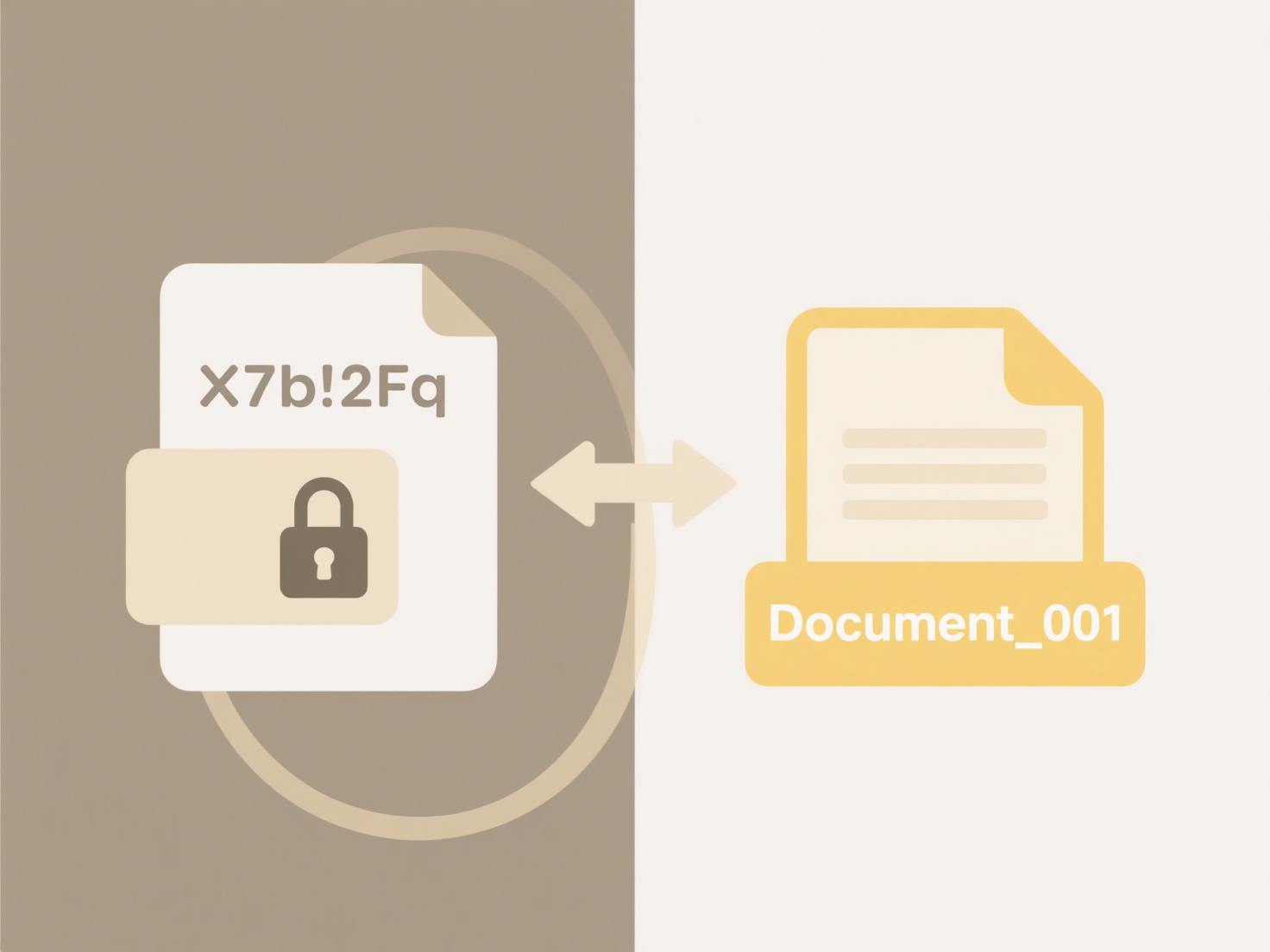
Wisfile brings order to your financial files through its local operation and AI recognition. Simply drag your invoices or receipts folder onto Wisfile. Its on-device AI engine analyzes document content (like vendor names, dates, amounts), enabling batch renaming based on identified details. You can customize naming rules (e.g., "2024-06_SupplierName_Invoice#") to make files instantly recognizable. For further organization, Wisfile can automatically move them into categorized folders based on your rules. Importantly, all processing happens locally – your financial data remains private on your device and is never uploaded. Free usage ensures no hidden costs for managing your important documents.
How do I keep track of important financial documents like invoices and receipts?
How do I keep track of important financial documents like invoices and receipts?
Systematically tracking financial documents like invoices and receipts is essential for expense management, tax preparation, and financial audits. This involves consistently identifying, naming, and categorizing these files for quick retrieval, moving beyond reliance on folder searches or memory.
Wisfile brings order to your financial files through its local operation and AI recognition. Simply drag your invoices or receipts folder onto Wisfile. Its on-device AI engine analyzes document content (like vendor names, dates, amounts), enabling batch renaming based on identified details. You can customize naming rules (e.g., "2024-06_SupplierName_Invoice#") to make files instantly recognizable. For further organization, Wisfile can automatically move them into categorized folders based on your rules. Importantly, all processing happens locally – your financial data remains private on your device and is never uploaded. Free usage ensures no hidden costs for managing your important documents.
Quick Article Links
How do I set up smart folders based on search rules?
Smart folders are virtual containers that automatically group files or content based on defined search criteria (rules),...
When should I use .png instead of .jpg?
PNG (Portable Network Graphics) is ideal for images requiring lossless compression or transparency. Unlike JPG (JPEG), w...
Why won’t my file open when I double-click it?
Your file may not open when double-clicked because Windows relies on file associations – the link between a file extensi...