
File locking prevents simultaneous editing conflicts by reserving exclusive write access to a file for one user. When enabled, anyone else attempting to open the file receives a notification indicating it's locked and read-only mode. This differs from collaborative editing features seen in tools like Google Docs, which actively manage concurrent changes instead of blocking access.
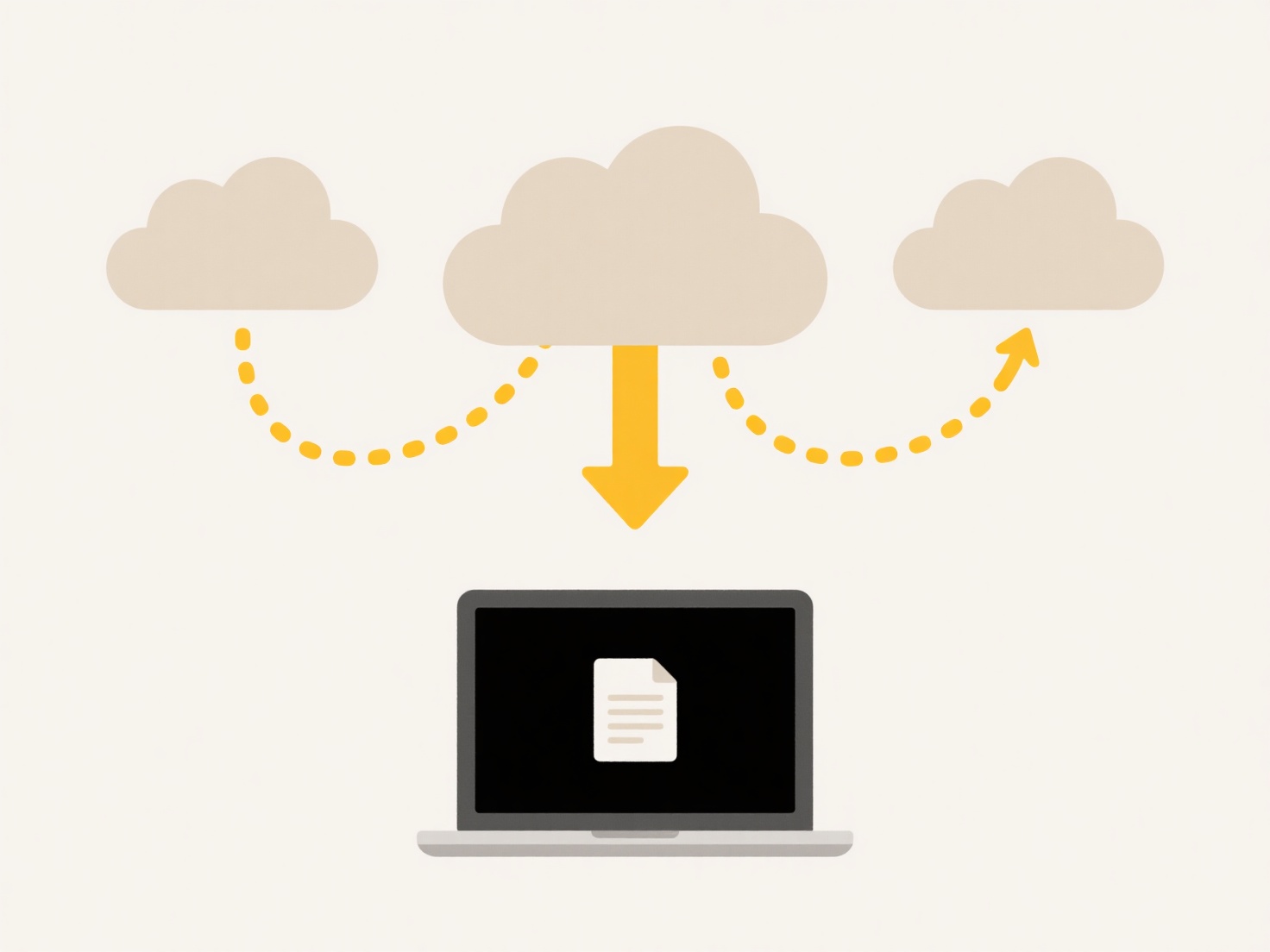
For example, in Microsoft Office applications like Word or Excel, enabling the 'Exclusive' option upon saving creates a lock via the file system or server permissions. Similarly, corporate document management systems or SharePoint automatically activate locks when a user opens a document for editing, typically displaying an icon or username to show who holds the lock.
The main advantage is preventing overwriting or corruption from conflicting edits, ensuring data integrity. However, a key limitation is workflow disruption; locked files force other users to wait. Future solutions increasingly blend locking with notification systems or collaborative version merging where feasible, balancing control with efficiency.
How do I make sure only one person can edit a file at a time?
File locking prevents simultaneous editing conflicts by reserving exclusive write access to a file for one user. When enabled, anyone else attempting to open the file receives a notification indicating it's locked and read-only mode. This differs from collaborative editing features seen in tools like Google Docs, which actively manage concurrent changes instead of blocking access.
For example, in Microsoft Office applications like Word or Excel, enabling the 'Exclusive' option upon saving creates a lock via the file system or server permissions. Similarly, corporate document management systems or SharePoint automatically activate locks when a user opens a document for editing, typically displaying an icon or username to show who holds the lock.
The main advantage is preventing overwriting or corruption from conflicting edits, ensuring data integrity. However, a key limitation is workflow disruption; locked files force other users to wait. Future solutions increasingly blend locking with notification systems or collaborative version merging where feasible, balancing control with efficiency.
Related Recommendations
Quick Article Links
What apps can open Office files on mobile?
Office file formats like Word (.docx), Excel (.xlsx), and PowerPoint (.pptx) are commonly used for documents, spreadshee...
Can I enforce storage quotas by folder?
Folder-level storage quotas are a technique for restricting storage usage on a specified directory (folder) and its cont...
How do I enable version history to avoid overwriting?
Version history, also called revision history or version control, is a feature that automatically creates and stores cop...