
Renaming files in a CI/CD pipeline involves programmatically changing the names of files during automated build, test, or deployment stages. Unlike manual renaming, this process integrates directly into your automated workflow using scripts or specialized pipeline tasks. The core mechanism relies on your pipeline's scripting capabilities to locate files and alter their names based on defined patterns, variables (like build numbers), or conditions.
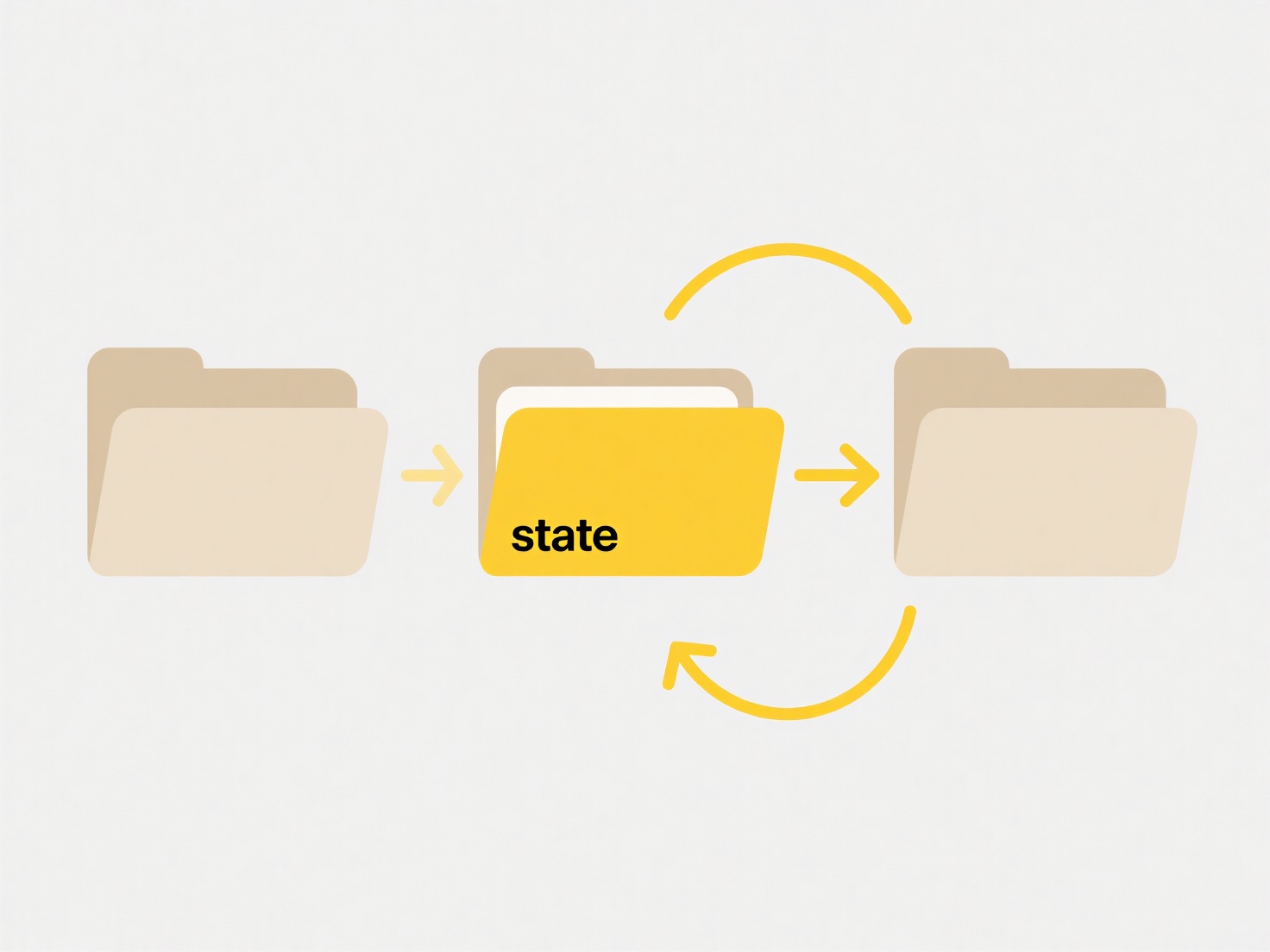
Common use cases include renaming build artifacts to include semantic versioning details (e.g., changing app.jar to app-v1.2.3-45.jar) for clear identification, or transforming environment-specific configuration files during deployment (e.g., changing config-dev.properties to config.properties for a production target). Pipeline orchestration tools like Jenkins (using shell or Groovy scripts), GitHub Actions (using run steps), GitLab CI (script sections), or specific file management tasks in Azure Pipelines facilitate this.
This automation ensures consistency and traceability, removing error-prone manual steps and linking artifacts directly to pipeline executions. However, incorrect renaming logic can break downstream tasks relying on expected filenames, potentially blocking deployment. Thorough testing of the renaming logic within the pipeline itself is crucial. Future integrations might see more declarative approaches built into CI/CD platforms to simplify these operations.
How do I rename files in a CI/CD pipeline?
Renaming files in a CI/CD pipeline involves programmatically changing the names of files during automated build, test, or deployment stages. Unlike manual renaming, this process integrates directly into your automated workflow using scripts or specialized pipeline tasks. The core mechanism relies on your pipeline's scripting capabilities to locate files and alter their names based on defined patterns, variables (like build numbers), or conditions.
Common use cases include renaming build artifacts to include semantic versioning details (e.g., changing app.jar to app-v1.2.3-45.jar) for clear identification, or transforming environment-specific configuration files during deployment (e.g., changing config-dev.properties to config.properties for a production target). Pipeline orchestration tools like Jenkins (using shell or Groovy scripts), GitHub Actions (using run steps), GitLab CI (script sections), or specific file management tasks in Azure Pipelines facilitate this.
This automation ensures consistency and traceability, removing error-prone manual steps and linking artifacts directly to pipeline executions. However, incorrect renaming logic can break downstream tasks relying on expected filenames, potentially blocking deployment. Thorough testing of the renaming logic within the pipeline itself is crucial. Future integrations might see more declarative approaches built into CI/CD platforms to simplify these operations.
Quick Article Links
Why are margins or spacing different?
Margins define the invisible borders around the content area, while spacing controls the gaps within the content, like b...
Why does Google warn me when I share a file with someone new?
Google displays sharing warnings to help protect against unintended data exposure when you share files with new collabor...
How do I consolidate scattered files into one location?
File consolidation involves gathering digital files stored across multiple locations into a single, organized destinatio...