
Searching across databases or document libraries means querying multiple separate sources simultaneously or through a single unified interface. Instead of searching each repository individually, this approach, often called federated or unified search, retrieves results from various locations like file shares, cloud storage (e.g., SharePoint, Google Drive), internal databases, or specialized knowledge bases. It works by translating your single query into the formats different systems understand, collecting the results, and presenting them together. This contrasts with searching one specific system at a time.
Practical applications are common in large organizations. For example, an enterprise might use tools like Microsoft Search or Elasticsearch to let employees find information spanning email archives, shared network drives, CRM data, and internal wikis with one search. Academic researchers frequently use platforms like EBSCO Discovery Service to search across numerous scholarly journal databases, library catalogs, and institutional repositories at once, saving significant time.
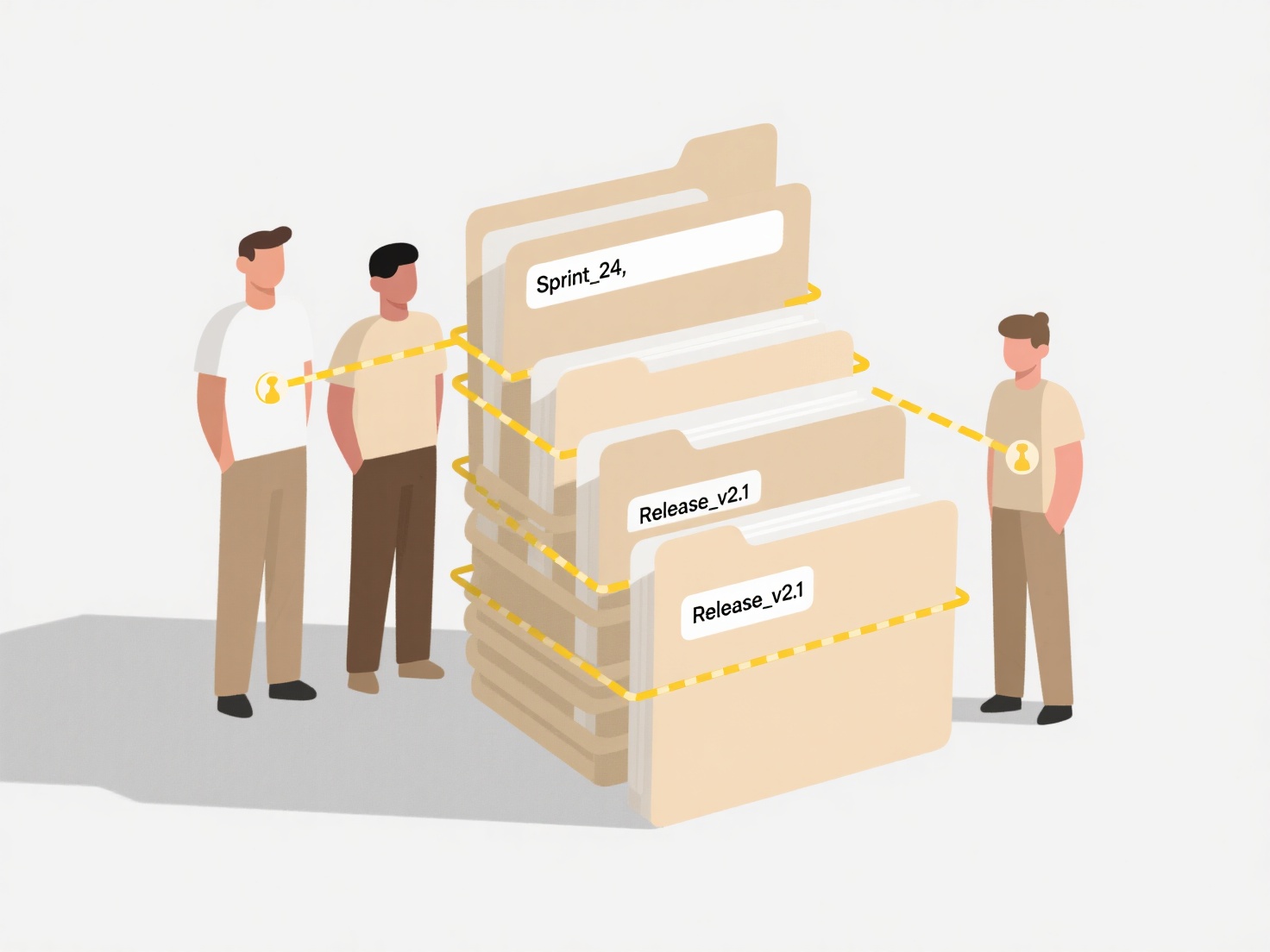
The main advantage is dramatically increased efficiency in finding information scattered across siloed systems, boosting productivity and knowledge sharing. However, challenges exist: ensuring comprehensive results depends on integrating systems correctly, differences in how sources index content can affect relevance ranking, and security/permissions must be managed carefully. While powerful, complex setups may require IT resources. Future developments focus on smarter AI-powered unification and better handling of diverse data types.
How do I search across databases or document libraries?
Searching across databases or document libraries means querying multiple separate sources simultaneously or through a single unified interface. Instead of searching each repository individually, this approach, often called federated or unified search, retrieves results from various locations like file shares, cloud storage (e.g., SharePoint, Google Drive), internal databases, or specialized knowledge bases. It works by translating your single query into the formats different systems understand, collecting the results, and presenting them together. This contrasts with searching one specific system at a time.
Practical applications are common in large organizations. For example, an enterprise might use tools like Microsoft Search or Elasticsearch to let employees find information spanning email archives, shared network drives, CRM data, and internal wikis with one search. Academic researchers frequently use platforms like EBSCO Discovery Service to search across numerous scholarly journal databases, library catalogs, and institutional repositories at once, saving significant time.
The main advantage is dramatically increased efficiency in finding information scattered across siloed systems, boosting productivity and knowledge sharing. However, challenges exist: ensuring comprehensive results depends on integrating systems correctly, differences in how sources index content can affect relevance ranking, and security/permissions must be managed carefully. While powerful, complex setups may require IT resources. Future developments focus on smarter AI-powered unification and better handling of diverse data types.
Quick Article Links
Why do attachments open as blank files?
The term refers to files that display no visible content when opened, despite appearing intact. This often occurs due to...
How do I rename files exported by scanners that use random names?
Scanner-generated random filenames (like IMG_0057.jpg or DSCN1234.pdf) are computer-assigned placeholders lacking descri...
How do I search archived emails or records?
Searching archived emails or records involves locating information stored in a separate, long-term repository designed f...