
How to auto-organize documents by reading file metadata like title or author?
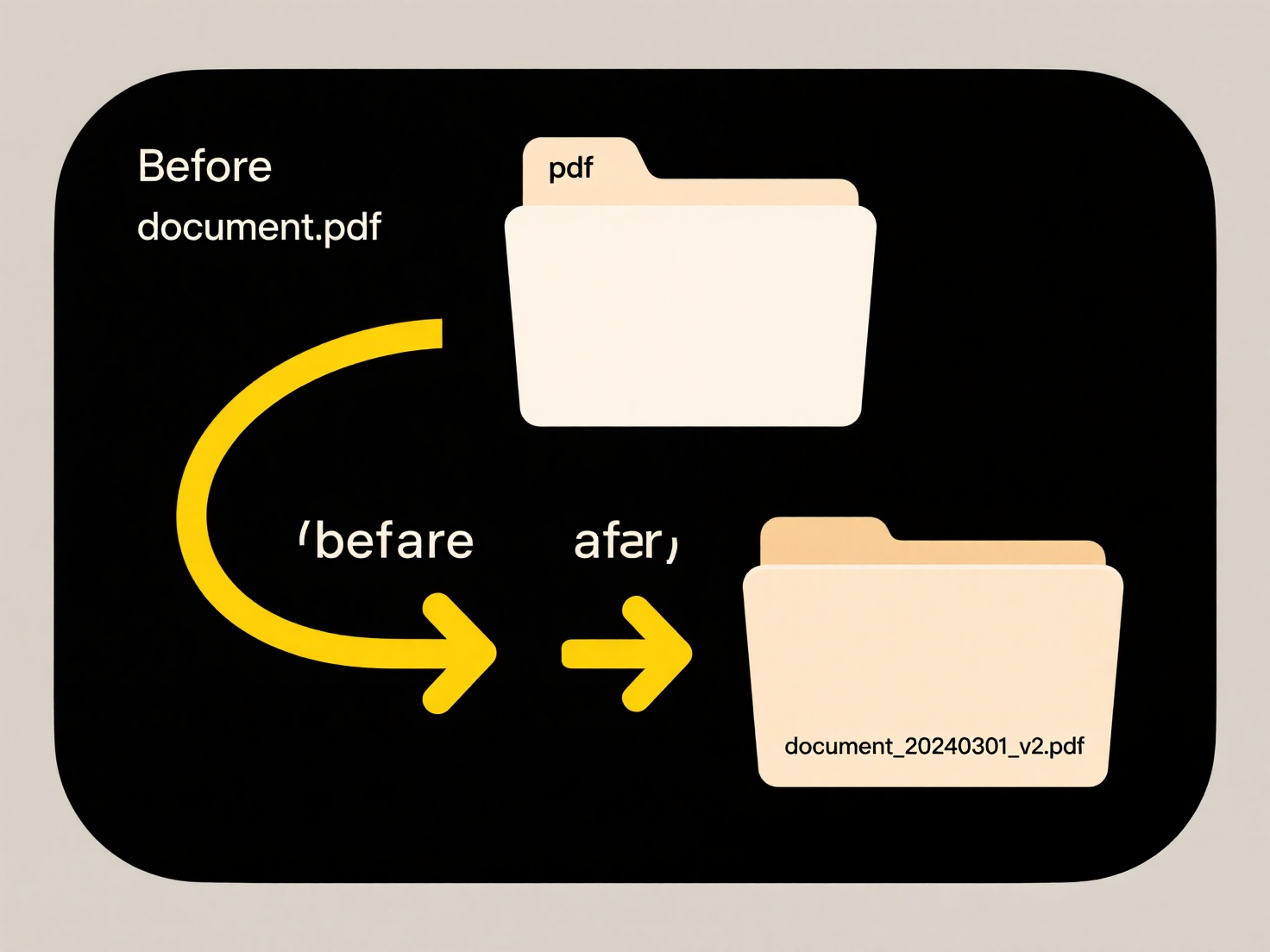
File metadata such as titles, authors, and creation dates contain valuable structural information for organizing documents. Systems can automatically scan this embedded data and use rules to systematically rename files or place them into appropriately named folders, transforming disarray into order based on the documents' inherent properties.
Wisfile simplifies this process using local AI recognition on your device. It scans imported files (Word, PDF, etc.) and automatically identifies metadata and content. Using this extracted information, you can set up batch renaming templates that incorporate elements like title or author directly into filenames. Simultaneously, define rules to move files into categorized folders based on the same metadata. All processing happens locally with privacy protection, ensuring your data never leaves your computer. This powerful auto-organizing capability is entirely free, requiring no uploads or subscriptions.
How to auto-organize documents by reading file metadata like title or author?
How to auto-organize documents by reading file metadata like title or author?
File metadata such as titles, authors, and creation dates contain valuable structural information for organizing documents. Systems can automatically scan this embedded data and use rules to systematically rename files or place them into appropriately named folders, transforming disarray into order based on the documents' inherent properties.
Wisfile simplifies this process using local AI recognition on your device. It scans imported files (Word, PDF, etc.) and automatically identifies metadata and content. Using this extracted information, you can set up batch renaming templates that incorporate elements like title or author directly into filenames. Simultaneously, define rules to move files into categorized folders based on the same metadata. All processing happens locally with privacy protection, ensuring your data never leaves your computer. This powerful auto-organizing capability is entirely free, requiring no uploads or subscriptions.
Related Recommendations
Quick Article Links
How do I access cloud files on a different device?
Accessing cloud files on another device refers to retrieving your documents, photos, or other data stored online via int...
How do I save files to an external hard drive?
Saving files to an external hard drive means copying or moving your digital data—like documents, photos, or videos—from ...
Should I use templates when creating new folder structures?
Should I use templates when creating new folder structures? Using templates for folder structures establishes consisten...