
Batch renaming cloud-based design assets refers to changing the names of multiple files stored online simultaneously, rather than individually. Unlike editing files on your local computer using the operating system, this process requires specific tools provided by the cloud storage platform or design application where the files reside. These tools typically offer batch functions through their web interface, desktop app, or dedicated scripts/APIs to process many files together without manually editing each one.
This capability is frequently used within design platforms like Figma, Adobe Creative Cloud Libraries, or cloud storage services integrated with design tools (e.g., Google Drive for cloud images). For example, a designer could rename all versions of a marketing banner template across different sizes in Figma at once for consistency. Similarly, a team could rename hundreds of finalized product photos uploaded to their company's cloud asset management system using bulk edit features.
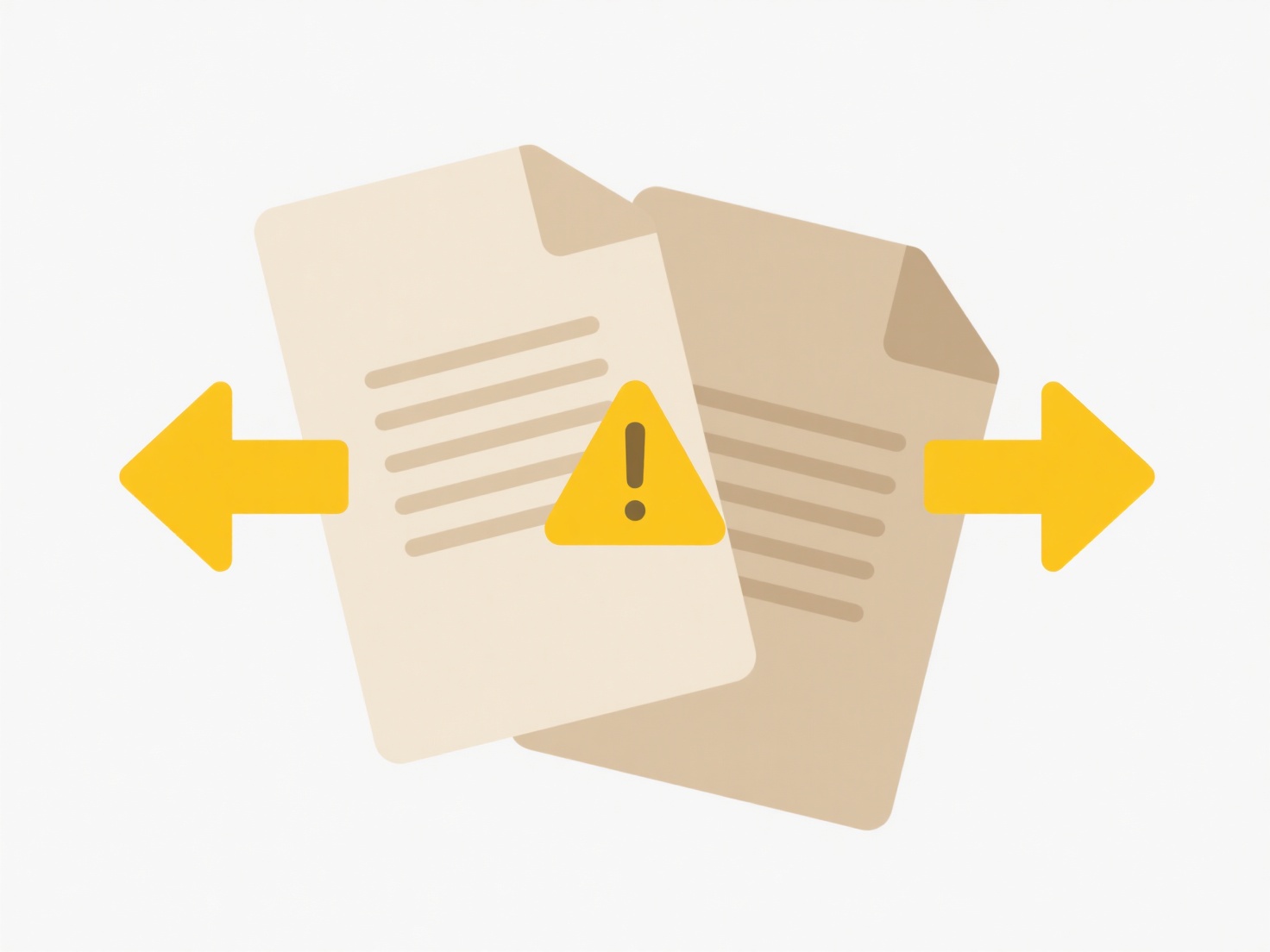
The major advantage is significant time savings and ensuring naming consistency across large asset collections. However, limitations exist: functionality varies greatly between platforms, complex renaming patterns often require API scripting knowledge, and renaming assets used elsewhere can break links if not managed properly. As cloud design tools evolve, expect more advanced and user-friendly batch processing options to become standard.
Can I batch rename cloud-based design assets?
Batch renaming cloud-based design assets refers to changing the names of multiple files stored online simultaneously, rather than individually. Unlike editing files on your local computer using the operating system, this process requires specific tools provided by the cloud storage platform or design application where the files reside. These tools typically offer batch functions through their web interface, desktop app, or dedicated scripts/APIs to process many files together without manually editing each one.
This capability is frequently used within design platforms like Figma, Adobe Creative Cloud Libraries, or cloud storage services integrated with design tools (e.g., Google Drive for cloud images). For example, a designer could rename all versions of a marketing banner template across different sizes in Figma at once for consistency. Similarly, a team could rename hundreds of finalized product photos uploaded to their company's cloud asset management system using bulk edit features.
The major advantage is significant time savings and ensuring naming consistency across large asset collections. However, limitations exist: functionality varies greatly between platforms, complex renaming patterns often require API scripting knowledge, and renaming assets used elsewhere can break links if not managed properly. As cloud design tools evolve, expect more advanced and user-friendly batch processing options to become standard.
Quick Article Links
Why do I see “unsupported codec” when opening media?
A media codec (coder-decoder) is software that compresses (reduces file size) and decompresses digital audio or video co...
How do I search for recently deleted files?
Searching for recently deleted files refers to locating documents, photos, or other data you've intentionally discarded ...
How do I organize brainstorming files or notes?
Organizing brainstorming files or notes means systematically structuring the raw ideas, concepts, and visual elements ge...