
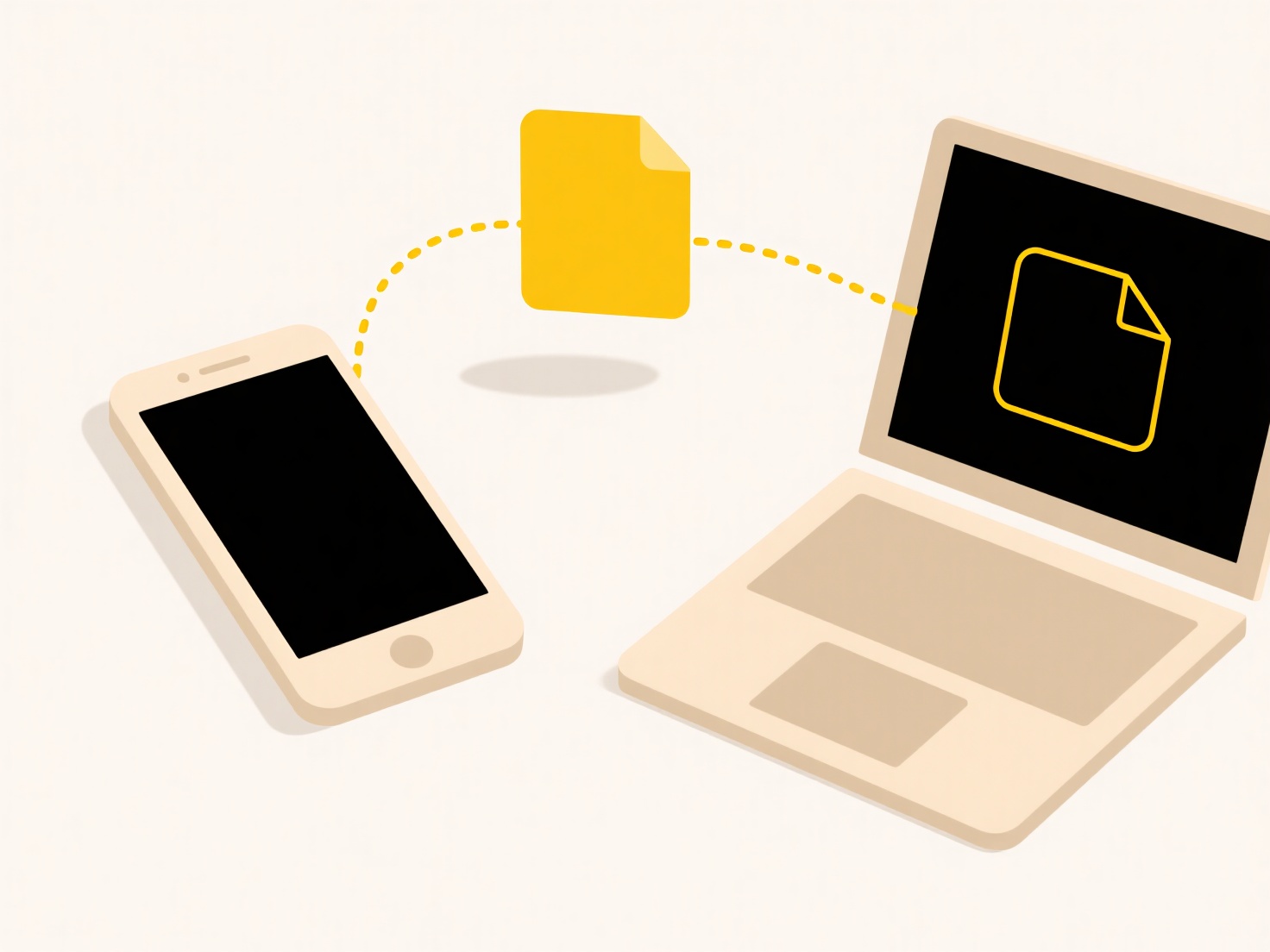
Exporting a cloud document means downloading a copy of a file stored on a remote server (the cloud) to your personal computer, phone, or external storage. Unlike simply accessing the document online, exporting creates a separate, local file. This process typically converts the document from its cloud-native format into a standard file type usable offline, like PDF, DOCX, or specific application formats.
Common examples include saving a Google Doc as a Microsoft Word file (.docx) to edit in desktop Word without internet, or exporting an Adobe Creative Cloud Photoshop document (.psd) to work on locally within Photoshop software. Professionals across industries like design, writing, and business frequently use export functions in platforms like OneDrive, Dropbox, iCloud, or specialized SaaS applications to ensure offline access or archive work.
Exporting provides crucial offline access and data portability. However, exported files may lack some real-time collaboration features or version history of the cloud original. Format conversion can sometimes cause minor layout or feature discrepancies. Future developments aim for smoother, "offline-first" cloud interactions, maintaining more cloud-like capabilities locally without compromising ease of backup or personal ownership.
Can I export a cloud document to my local device?
Exporting a cloud document means downloading a copy of a file stored on a remote server (the cloud) to your personal computer, phone, or external storage. Unlike simply accessing the document online, exporting creates a separate, local file. This process typically converts the document from its cloud-native format into a standard file type usable offline, like PDF, DOCX, or specific application formats.
Common examples include saving a Google Doc as a Microsoft Word file (.docx) to edit in desktop Word without internet, or exporting an Adobe Creative Cloud Photoshop document (.psd) to work on locally within Photoshop software. Professionals across industries like design, writing, and business frequently use export functions in platforms like OneDrive, Dropbox, iCloud, or specialized SaaS applications to ensure offline access or archive work.
Exporting provides crucial offline access and data portability. However, exported files may lack some real-time collaboration features or version history of the cloud original. Format conversion can sometimes cause minor layout or feature discrepancies. Future developments aim for smoother, "offline-first" cloud interactions, maintaining more cloud-like capabilities locally without compromising ease of backup or personal ownership.
Quick Article Links
Can I control how a cloud platform handles duplicates?
Cloud platforms typically offer some control over how duplicates are handled, though the specifics depend on the service...
Can I set file permissions programmatically via API?
Yes, file permissions can be set programmatically via an API. This means developers write code (using SDKs or direct HTT...
Why is my file not saving?
A file may not save when an interruption occurs during the writing process from software to storage. This means the appl...