
A .blend file is Blender's native, proprietary file format used to save all elements of a 3D scene—including models, animations, materials, lighting, and settings. Unlike standardized formats like OBJ or FBX, .blend files encapsulate Blender-specific data structures comprehensively, making them difficult to read fully by software not designed by the Blender project. While direct, native editing requires Blender itself, specialized viewers and converters offer limited access.
You can open .blend files without the full Blender application using dedicated file viewers, such as the open-source Bforartists (a Blender fork focused on usability) which can load and inspect scenes. Alternatively, conversion tools like Blender's command-line interface or online services can export .blend content into more universal formats (e.g., OBJ, FBX, STL) for viewing in software like Autodesk Maya, Cinema 4D, or mesh viewers. This is common in studios transferring assets between pipelines.
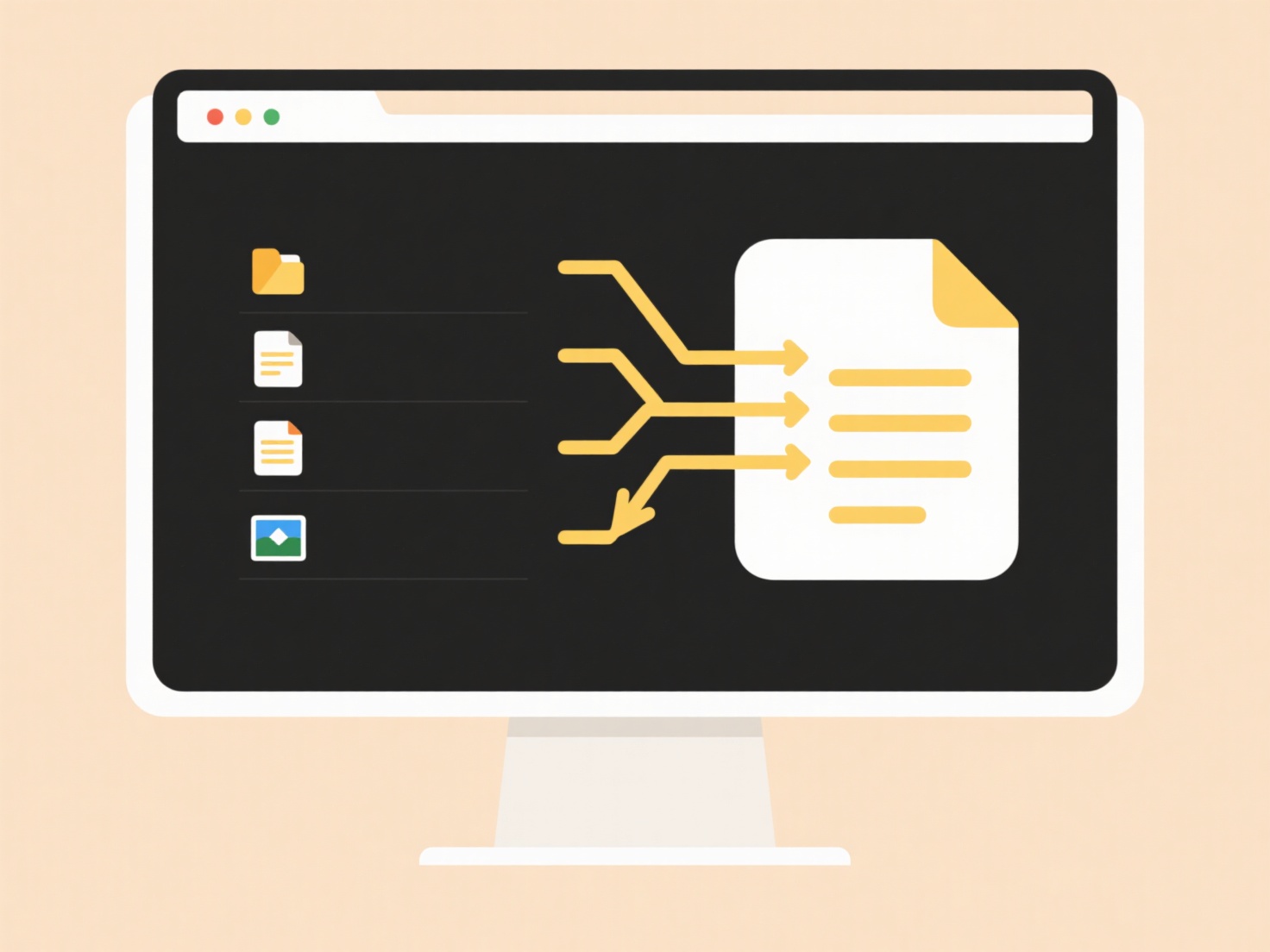
The key advantage of .blend files is complete scene fidelity within Blender, but this creates the limitation of external accessibility. While third-party viewers exist, they often lack editing capabilities and may not support all features. Thankfully, Blender's open-source nature allows developers to create compatible tools using its documented specifications. Future support may expand as the ecosystem grows, but seamless, lossless access still relies primarily on Blender.
Can I open a .blend file without Blender?
A .blend file is Blender's native, proprietary file format used to save all elements of a 3D scene—including models, animations, materials, lighting, and settings. Unlike standardized formats like OBJ or FBX, .blend files encapsulate Blender-specific data structures comprehensively, making them difficult to read fully by software not designed by the Blender project. While direct, native editing requires Blender itself, specialized viewers and converters offer limited access.
You can open .blend files without the full Blender application using dedicated file viewers, such as the open-source Bforartists (a Blender fork focused on usability) which can load and inspect scenes. Alternatively, conversion tools like Blender's command-line interface or online services can export .blend content into more universal formats (e.g., OBJ, FBX, STL) for viewing in software like Autodesk Maya, Cinema 4D, or mesh viewers. This is common in studios transferring assets between pipelines.
The key advantage of .blend files is complete scene fidelity within Blender, but this creates the limitation of external accessibility. While third-party viewers exist, they often lack editing capabilities and may not support all features. Thankfully, Blender's open-source nature allows developers to create compatible tools using its documented specifications. Future support may expand as the ecosystem grows, but seamless, lossless access still relies primarily on Blender.
Quick Article Links
Can I embed user IDs or timestamps in file names automatically?
Automatically embedding user IDs or timestamps in filenames refers to programmatically including unique user identifiers...
Can I automate reports based on file search results?
Automating reports based on file search results involves using specialized software to periodically scan specific locati...
How do I organize collaborative design files?
Organizing collaborative design files involves establishing clear systems to structure, store, and manage shared digital...