
Tagging or labeling duplicates involves marking repeated entries with a temporary indicator within a database or file system to flag them for review and consolidation later. This differs from deleting duplicates immediately; instead, it provides a controlled way to organize known redundancies without permanently removing or merging data on the spot. Common methods include adding specific status flags, custom fields, color coding, or comments directly to the identified duplicate records.
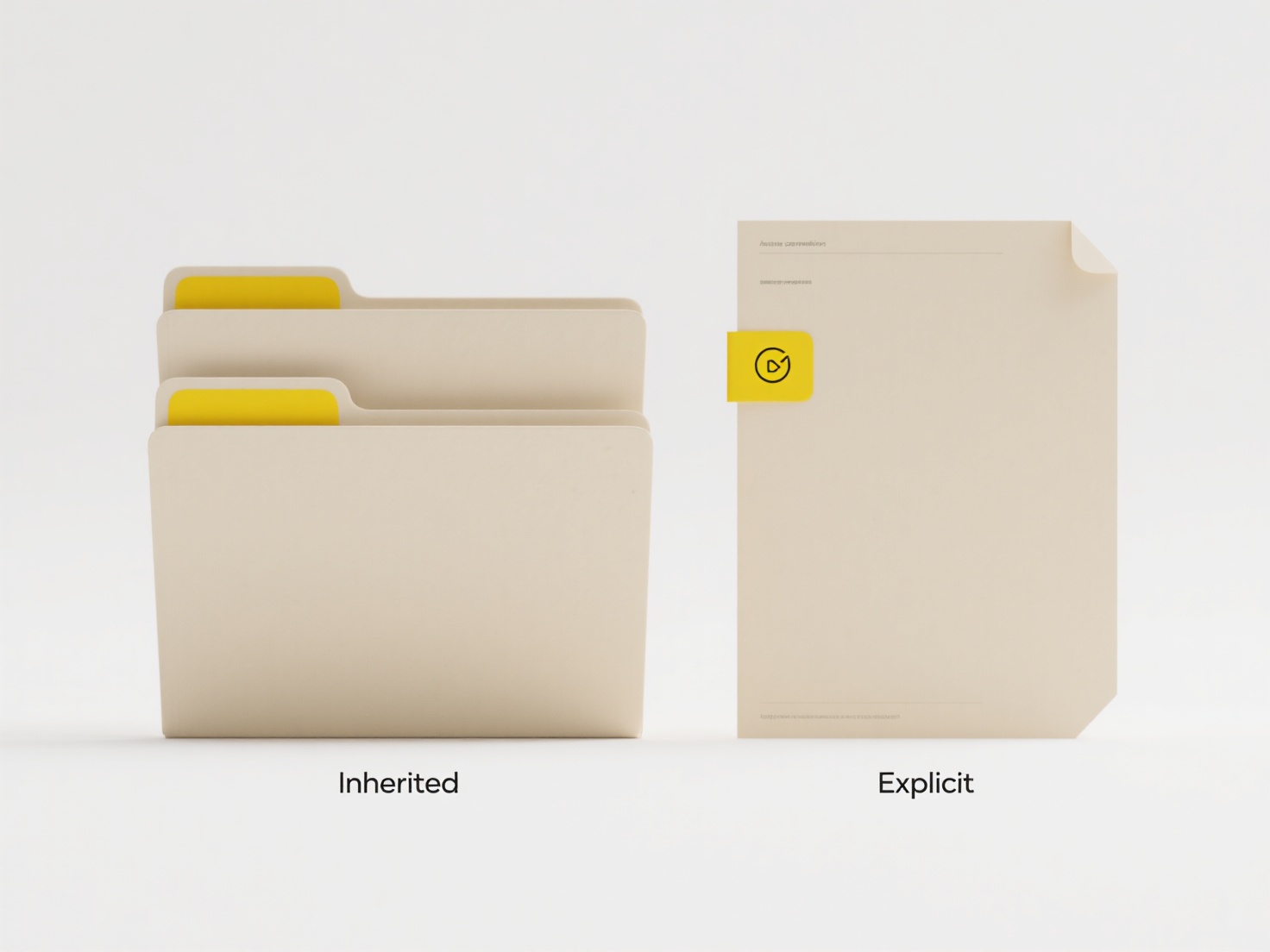
This approach is frequently employed in Customer Relationship Management (CRM) software like Salesforce, where sales teams tag duplicate contact entries without disrupting active opportunities. Data migration projects also utilize this technique; analysts might label duplicate product listings in an inventory database before determining the correct master record to retain during system consolidation.
The primary advantage is minimizing operational disruption, allowing teams to address duplicates during planned maintenance. It prevents accidental deletion of potentially critical linked information. However, tagged duplicates still consume storage and require manual search effort, potentially causing confusion. Ethical considerations involve clear retention policies to ensure sensitive tagged data isn't kept indefinitely. Automated duplicate detection integrated with tagging workflows is emerging to streamline this cleanup process.
Can I tag or label duplicates for cleanup later?
Tagging or labeling duplicates involves marking repeated entries with a temporary indicator within a database or file system to flag them for review and consolidation later. This differs from deleting duplicates immediately; instead, it provides a controlled way to organize known redundancies without permanently removing or merging data on the spot. Common methods include adding specific status flags, custom fields, color coding, or comments directly to the identified duplicate records.
This approach is frequently employed in Customer Relationship Management (CRM) software like Salesforce, where sales teams tag duplicate contact entries without disrupting active opportunities. Data migration projects also utilize this technique; analysts might label duplicate product listings in an inventory database before determining the correct master record to retain during system consolidation.
The primary advantage is minimizing operational disruption, allowing teams to address duplicates during planned maintenance. It prevents accidental deletion of potentially critical linked information. However, tagged duplicates still consume storage and require manual search effort, potentially causing confusion. Ethical considerations involve clear retention policies to ensure sensitive tagged data isn't kept indefinitely. Automated duplicate detection integrated with tagging workflows is emerging to streamline this cleanup process.
Related Recommendations
Quick Article Links
Can I create a shared dropbox where others can upload only?
A shared Dropbox folder allows multiple users to access the same files. You can configure sharing permissions so others ...
How can I make file names readable across platforms (Windows/macOS)?
How can I make file names readable across platforms (Windows/macOS)? To ensure filenames remain compatible across Wind...
How do I export from Canva or Figma?
Exporting refers to saving your design from Canva or Figma into various file formats suitable for sharing, printing, or ...