
Cloud file requests enable others to upload files directly into your designated cloud storage folder, bypassing the need for sharing full folder access. They work by generating a specific upload link you share; recipients click the link and upload files, depositing them into your chosen folder without viewing its entire contents. This differs from traditional methods like email attachments or direct folder sharing by ensuring submissions are centralized, organized by source (if enabled), and secured through dedicated upload permissions rather than broader access.
For instance, a company's HR department can create a file request link for job applicants to submit resumes and portfolios, centralizing all documents within a "Recruitment 2024" folder. Freelancers frequently use them to receive project assets like images or reports from clients, placing files instantly into a "Client X Project" folder on their Google Drive or Dropbox without manually handling emails. Platforms like Dropbox, Google Drive, OneDrive, and Box all offer this functionality.
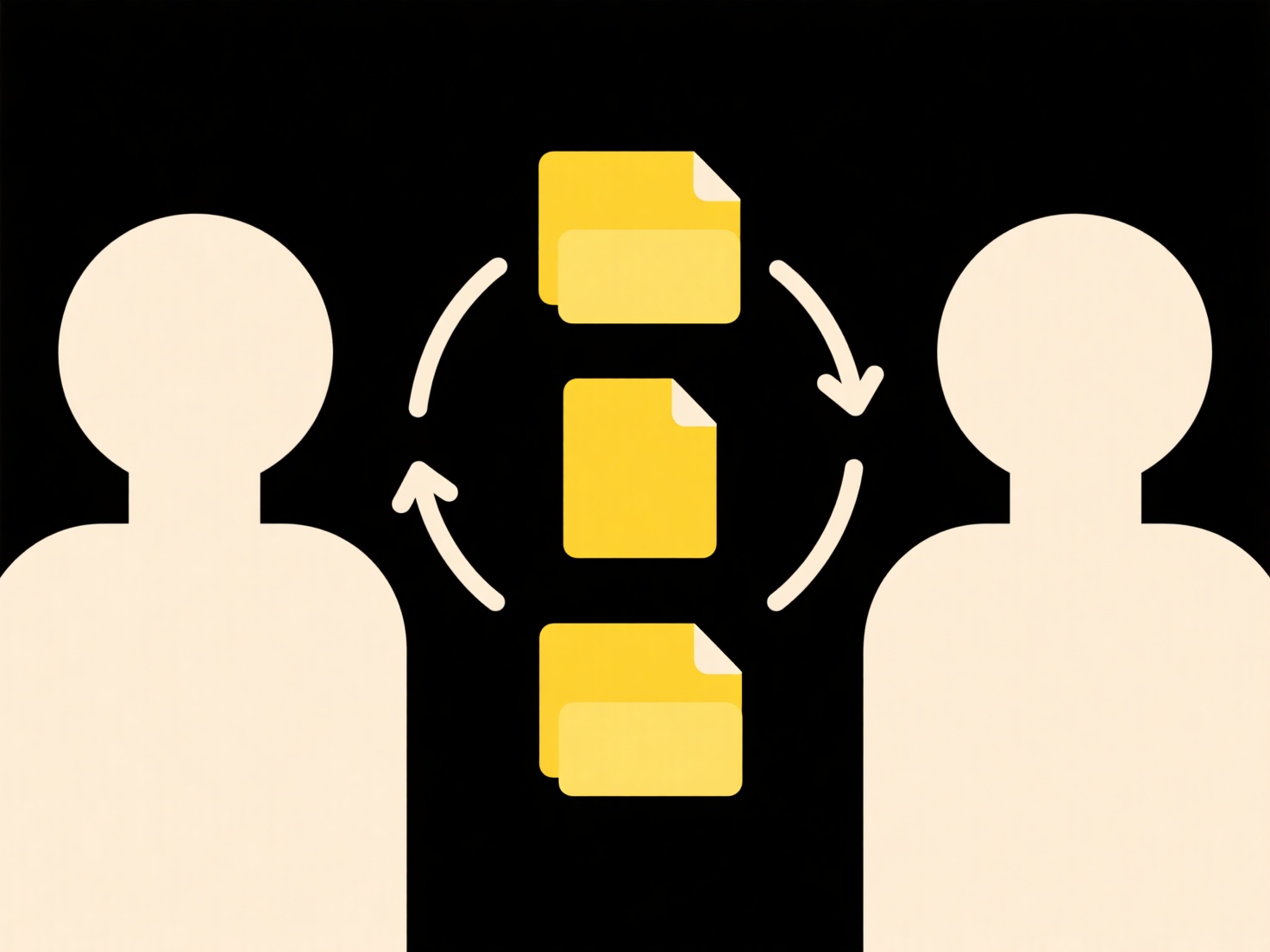
Key benefits include strong organization through central collection and structured folder hierarchies, enhanced security via controlled upload-only permissions, and convenience for both sender and receiver. Limitations include potential user confusion when large batch uploads fail or unclear filename conventions lead to messy folders. Ethically, permission audits are crucial. Future developments involve smarter AI auto-tagging based on request context, reducing manual sorting overhead. This feature is vital for streamlining professional data intake workflows.
How do I organize cloud file requests or submissions?
Cloud file requests enable others to upload files directly into your designated cloud storage folder, bypassing the need for sharing full folder access. They work by generating a specific upload link you share; recipients click the link and upload files, depositing them into your chosen folder without viewing its entire contents. This differs from traditional methods like email attachments or direct folder sharing by ensuring submissions are centralized, organized by source (if enabled), and secured through dedicated upload permissions rather than broader access.
For instance, a company's HR department can create a file request link for job applicants to submit resumes and portfolios, centralizing all documents within a "Recruitment 2024" folder. Freelancers frequently use them to receive project assets like images or reports from clients, placing files instantly into a "Client X Project" folder on their Google Drive or Dropbox without manually handling emails. Platforms like Dropbox, Google Drive, OneDrive, and Box all offer this functionality.
Key benefits include strong organization through central collection and structured folder hierarchies, enhanced security via controlled upload-only permissions, and convenience for both sender and receiver. Limitations include potential user confusion when large batch uploads fail or unclear filename conventions lead to messy folders. Ethically, permission audits are crucial. Future developments involve smarter AI auto-tagging based on request context, reducing manual sorting overhead. This feature is vital for streamlining professional data intake workflows.
Quick Article Links
What’s a clean way to name scanned documents or contracts?
A clean naming convention for scanned documents or contracts means using a consistent, descriptive structure incorporati...
How do I search for shared links or files in Teams or Zoom?
Searching for shared links or files within Microsoft Teams or Zoom allows you to quickly locate content exchanged in con...
Why do I need a password to open this file?
Password protection is a security measure applied to digital files to restrict access only to those who know the correct...