
Is it better to use software or manual sorting for photo organization?
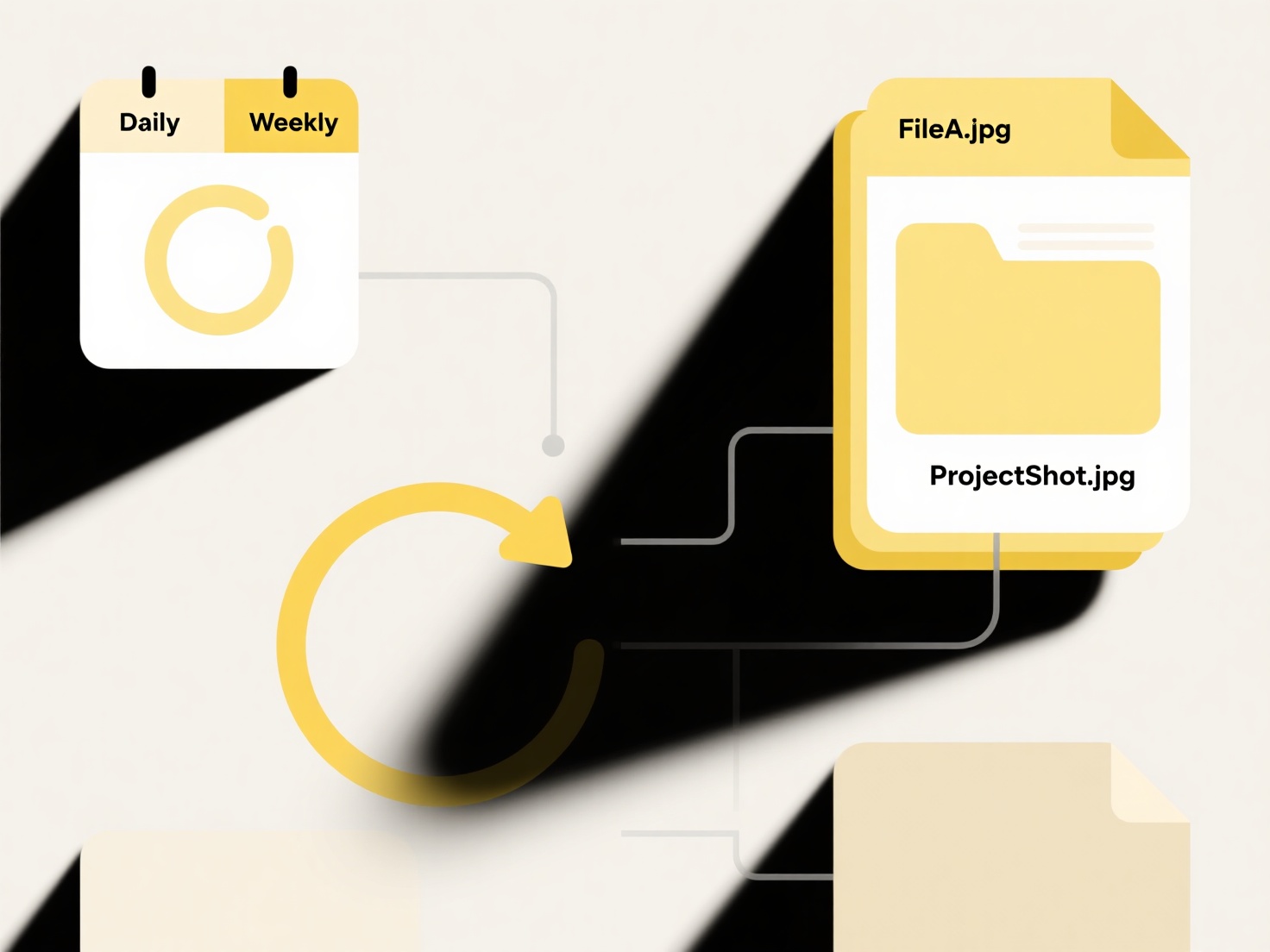
Organizing photos manually involves individually examining, sorting, renaming, and moving each file, which is extremely time-consuming and prone to inconsistency or errors. For large collections, this approach becomes impractical due to the sheer volume. Software tools automate many steps, significantly reducing effort by handling repetitive tasks in bulk and applying consistent rules across numerous files simultaneously.
Wisfile tackles this efficiently by running 100% locally on your computer. Its AI recognition engine automatically scans photo file contents to identify relevant details. It can then perform batch renaming based on detected information or your custom rules. Crucially, all processing happens on your device, ensuring privacy protection as files never leave your computer and temporary data is erased. This local AI analysis, combined with bulk categorization capabilities, transforms disorganized photos quickly and accurately. As a free tool with no subscriptions or hidden costs, it offers a powerful, secure alternative to manual work.
Is it better to use software or manual sorting for photo organization?
Is it better to use software or manual sorting for photo organization?
Organizing photos manually involves individually examining, sorting, renaming, and moving each file, which is extremely time-consuming and prone to inconsistency or errors. For large collections, this approach becomes impractical due to the sheer volume. Software tools automate many steps, significantly reducing effort by handling repetitive tasks in bulk and applying consistent rules across numerous files simultaneously.
Wisfile tackles this efficiently by running 100% locally on your computer. Its AI recognition engine automatically scans photo file contents to identify relevant details. It can then perform batch renaming based on detected information or your custom rules. Crucially, all processing happens on your device, ensuring privacy protection as files never leave your computer and temporary data is erased. This local AI analysis, combined with bulk categorization capabilities, transforms disorganized photos quickly and accurately. As a free tool with no subscriptions or hidden costs, it offers a powerful, secure alternative to manual work.
Quick Article Links
How can I recover a file that didn’t save properly?
File recovery for unsaved work refers to retrieving a document that was being edited but never properly saved to its per...
How do I organize backups and versions across folders?
Organizing backups and versions across folders involves establishing a clear, consistent system for managing copies of y...
Are there AI-based tools that improve file retrieval?
AI-powered file retrieval systems use machine learning and natural language processing to improve finding files based on...