
Adding language codes to multilingual files is a fundamental localization practice. Language codes are standardized identifiers, like en-US for US English or fr-FR for French (France), embedded within the file structure or naming convention. They enable software and localization platforms to automatically detect which language variant a file contains, distinguishing it from versions in other languages within the same project. This approach relies on the code itself rather than file format changes.
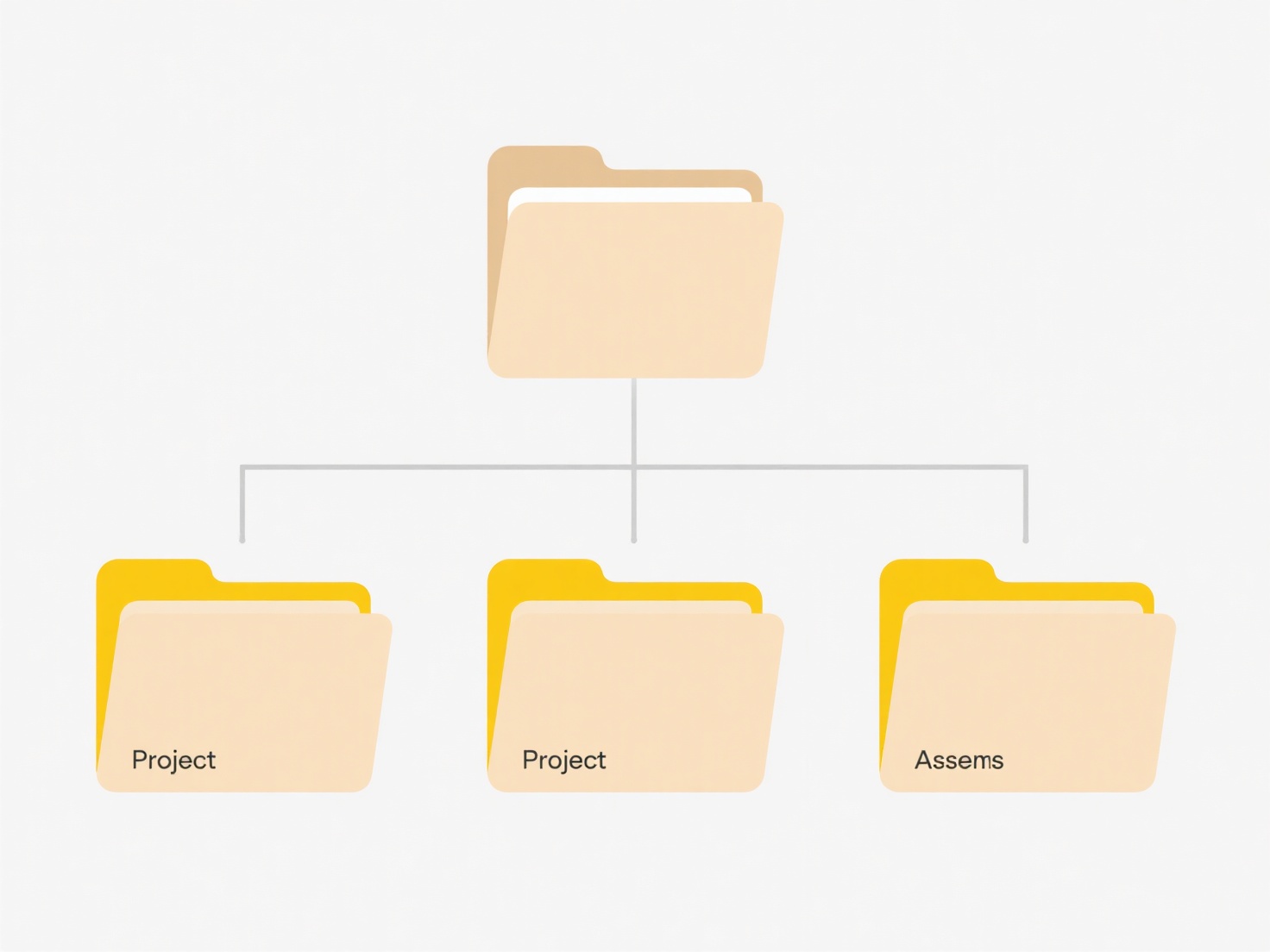
Developers commonly append language codes to filenames, such as user_manual_en-US.docx, user_manual_de-DE.docx, or include them within structured file formats like JSON (messages.json) under keys like "en-US": "Hello". This is essential in software localization for mobile apps (Android res/values-en-rUS/strings.xml), websites using CMS platforms like Drupal or WordPress with multilingual plugins, and managing translated documentation sets for technical manuals or product support.
Using language codes ensures clear organization, simplifies content management systems (CMS) in selecting the correct language version, and automates user-facing language switching. However, consistency in applying codes across all project files is crucial; inconsistent or missing codes cause errors. While effective, it's primarily an organizational strategy within broader localization efforts; the codes themselves don't translate content or alter file functionality. Proper implementation significantly enhances the efficiency and reliability of delivering multilingual content.
Can I add language codes to multilingual files?
Adding language codes to multilingual files is a fundamental localization practice. Language codes are standardized identifiers, like en-US for US English or fr-FR for French (France), embedded within the file structure or naming convention. They enable software and localization platforms to automatically detect which language variant a file contains, distinguishing it from versions in other languages within the same project. This approach relies on the code itself rather than file format changes.
Developers commonly append language codes to filenames, such as user_manual_en-US.docx, user_manual_de-DE.docx, or include them within structured file formats like JSON (messages.json) under keys like "en-US": "Hello". This is essential in software localization for mobile apps (Android res/values-en-rUS/strings.xml), websites using CMS platforms like Drupal or WordPress with multilingual plugins, and managing translated documentation sets for technical manuals or product support.
Using language codes ensures clear organization, simplifies content management systems (CMS) in selecting the correct language version, and automates user-facing language switching. However, consistency in applying codes across all project files is crucial; inconsistent or missing codes cause errors. While effective, it's primarily an organizational strategy within broader localization efforts; the codes themselves don't translate content or alter file functionality. Proper implementation significantly enhances the efficiency and reliability of delivering multilingual content.
Related Recommendations
Quick Article Links
What’s the best practice for version control in shared folders?
File version control manages changes to documents stored in shared locations, differing significantly from simple file s...
Can collaborators export different versions of the same file?
Collaborators can typically export different versions of the same file when using platforms with robust version history ...
Why do file paths break when moving files between OSes?
File paths specify a file's location within a file system. They differ significantly between operating systems. Windows ...