
Folder states refer to predefined conditions or statuses applied to directories within a storage system (like Draft, Review, Approved, Archived). Workflows can indeed be built around these states, meaning automated actions can be triggered automatically whenever a folder's state changes. This differs from basic folder structures by adding automation capabilities based on folder metadata (its state), rather than just its location or content. Platforms supporting folder state-driven workflows typically offer integration tools or APIs.
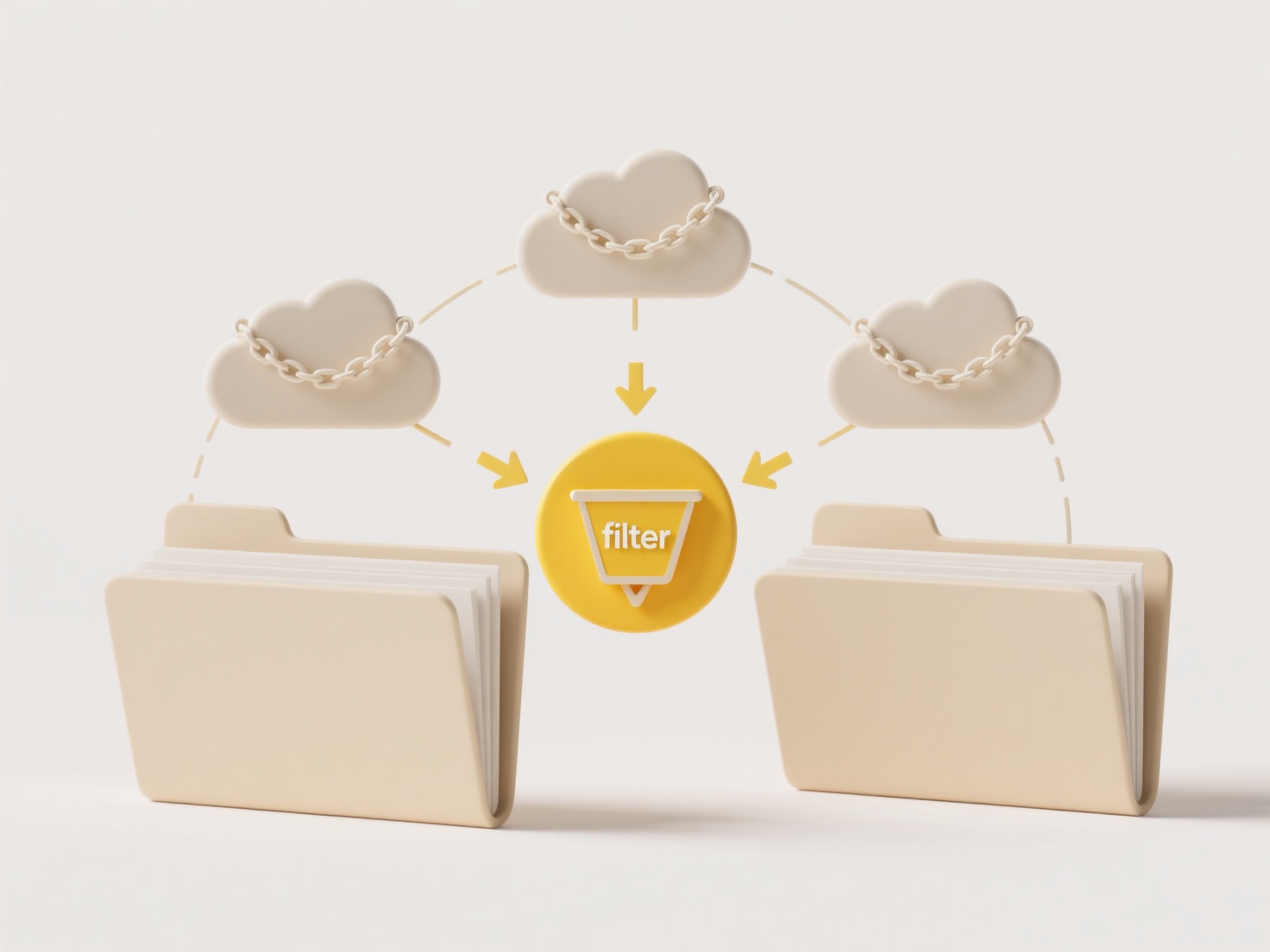
For example, in document management, changing a folder's state to "Review" could automatically notify designated reviewers via email and lock editing permissions. In digital asset management, marking a folder as "Archive" might trigger a system to move its contents to lower-cost storage and update associated database records. Industries like marketing, legal, and software development frequently implement these workflows using tools like SharePoint, specific DAM platforms, or automation services like Zapier or Microsoft Power Automate linked to their cloud storage.
The primary advantage is efficiency, reducing manual steps and ensuring consistent processes. However, complexity in setup and dependency on specific platform capabilities are limitations. Ethically, defining and controlling state transitions needs clear access policies to prevent misuse. Future developments include tighter integration with AI for intelligent state assignment and broader adoption across cloud services, accelerating routine content handling tasks.
Can I build workflows around folder states?
Folder states refer to predefined conditions or statuses applied to directories within a storage system (like Draft, Review, Approved, Archived). Workflows can indeed be built around these states, meaning automated actions can be triggered automatically whenever a folder's state changes. This differs from basic folder structures by adding automation capabilities based on folder metadata (its state), rather than just its location or content. Platforms supporting folder state-driven workflows typically offer integration tools or APIs.
For example, in document management, changing a folder's state to "Review" could automatically notify designated reviewers via email and lock editing permissions. In digital asset management, marking a folder as "Archive" might trigger a system to move its contents to lower-cost storage and update associated database records. Industries like marketing, legal, and software development frequently implement these workflows using tools like SharePoint, specific DAM platforms, or automation services like Zapier or Microsoft Power Automate linked to their cloud storage.
The primary advantage is efficiency, reducing manual steps and ensuring consistent processes. However, complexity in setup and dependency on specific platform capabilities are limitations. Ethically, defining and controlling state transitions needs clear access policies to prevent misuse. Future developments include tighter integration with AI for intelligent state assignment and broader adoption across cloud services, accelerating routine content handling tasks.
Quick Article Links
What happens to shared files if the owner leaves the company?
When the owner of shared files leaves a company, access to those files doesn't automatically disappear. The critical fac...
Can I open CAD files like .dwg without AutoCAD?
DWG is a proprietary file format primarily used to store two- and three-dimensional design data created in AutoCAD, the ...
How do I rename movie files using IMDB data?
Renaming movie files using IMDb data involves automated tools that fetch correct titles, release years, and other metada...