
Files without extensions lack the typical suffix (like .txt or .jpg) that indicates their format and compatible software. Operating systems rely on this suffix to associate files with programs, so its absence makes auto-recognition impossible. To open such files, you must manually determine the format and assign an appropriate application, either by inspecting the file’s contents or metadata.
In practice, consider a Python script without a ".py" extension. Developers might identify it via its "shebang" line (e.g., #!/usr/bin/env python) and run it directly in a terminal. Alternatively, a corporate user on Windows could right-click an extensionless document, select "Open with," and manually choose Word or Notepad after confirming its content resembles text via a quick preview.
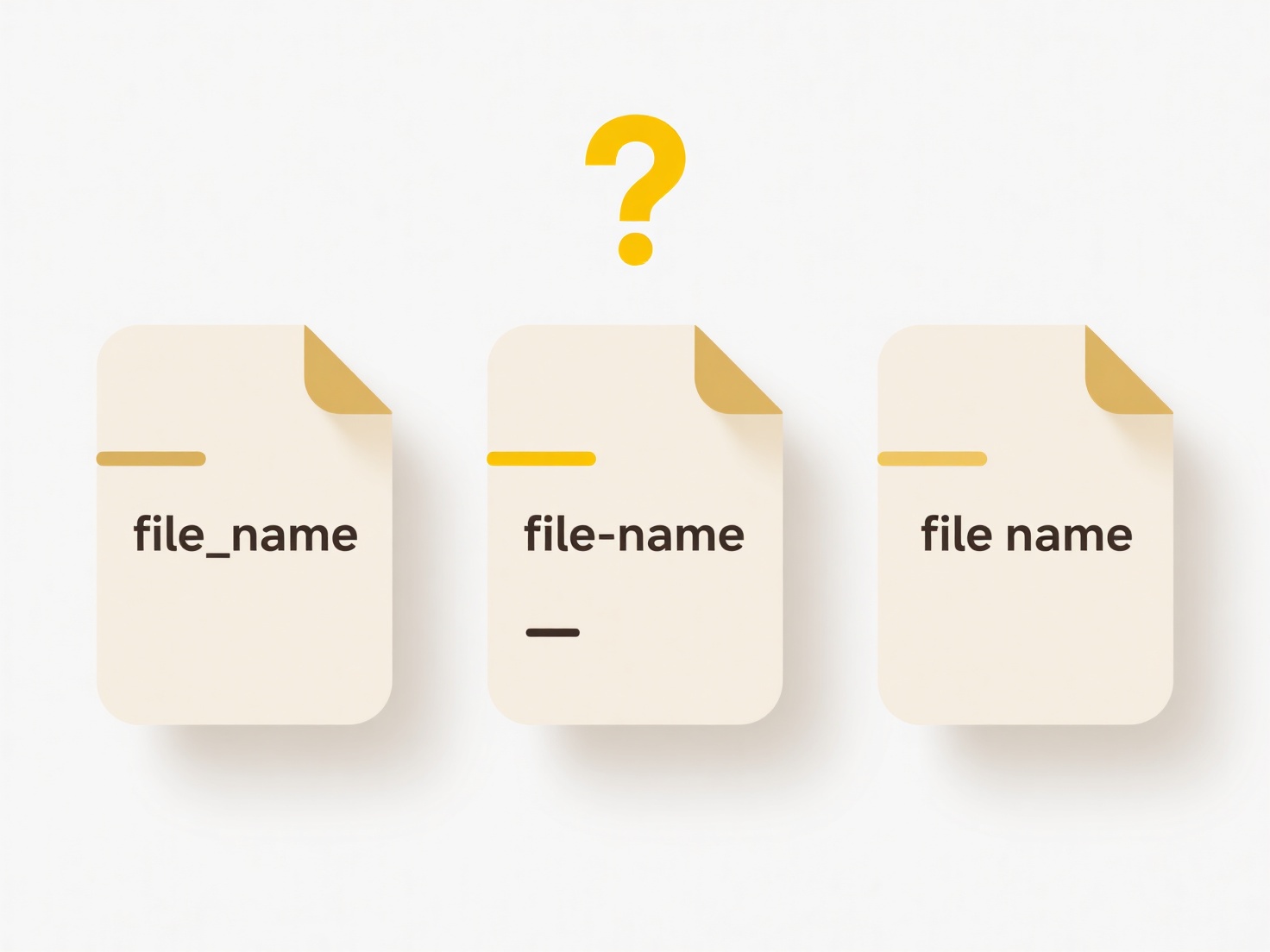
While this approach allows flexibility (e.g., for custom data formats), manual identification risks errors—opening a raw image as text corrupts it. Security tools also rely on extensions for threat detection, so untrusted extensionless files should be scanned first. For future usability, clearly naming files (e.g., "report_draft") or embedding metadata aids recognition without extensions.
How can I open a file with no extension?
Files without extensions lack the typical suffix (like .txt or .jpg) that indicates their format and compatible software. Operating systems rely on this suffix to associate files with programs, so its absence makes auto-recognition impossible. To open such files, you must manually determine the format and assign an appropriate application, either by inspecting the file’s contents or metadata.
In practice, consider a Python script without a ".py" extension. Developers might identify it via its "shebang" line (e.g., #!/usr/bin/env python) and run it directly in a terminal. Alternatively, a corporate user on Windows could right-click an extensionless document, select "Open with," and manually choose Word or Notepad after confirming its content resembles text via a quick preview.
While this approach allows flexibility (e.g., for custom data formats), manual identification risks errors—opening a raw image as text corrupts it. Security tools also rely on extensions for threat detection, so untrusted extensionless files should be scanned first. For future usability, clearly naming files (e.g., "report_draft") or embedding metadata aids recognition without extensions.
Quick Article Links
Why does Google warn me when I share a file with someone new?
Google displays sharing warnings to help protect against unintended data exposure when you share files with new collabor...
What are advanced sharing options in Google Drive?
Advanced sharing options in Google Drive provide detailed control over how files and folders are shared, going beyond si...
What are hidden files and why do they exist?
Hidden files and folders are system-designated items intentionally omitted from regular directory views in file managers...