
Formatting can break when opening files in different applications because each app uses its own methods to interpret and display file contents. Your file contains both the core content (like text or data) and formatting instructions (styles, layouts). However, apps prioritize these instructions differently and have unique rendering engines. An app might not recognize specific formatting features from the original software, or it might apply its own default styles that override yours. Essentially, the receiving app reads the file data based on its own rules, not necessarily the rules of the app that created it.
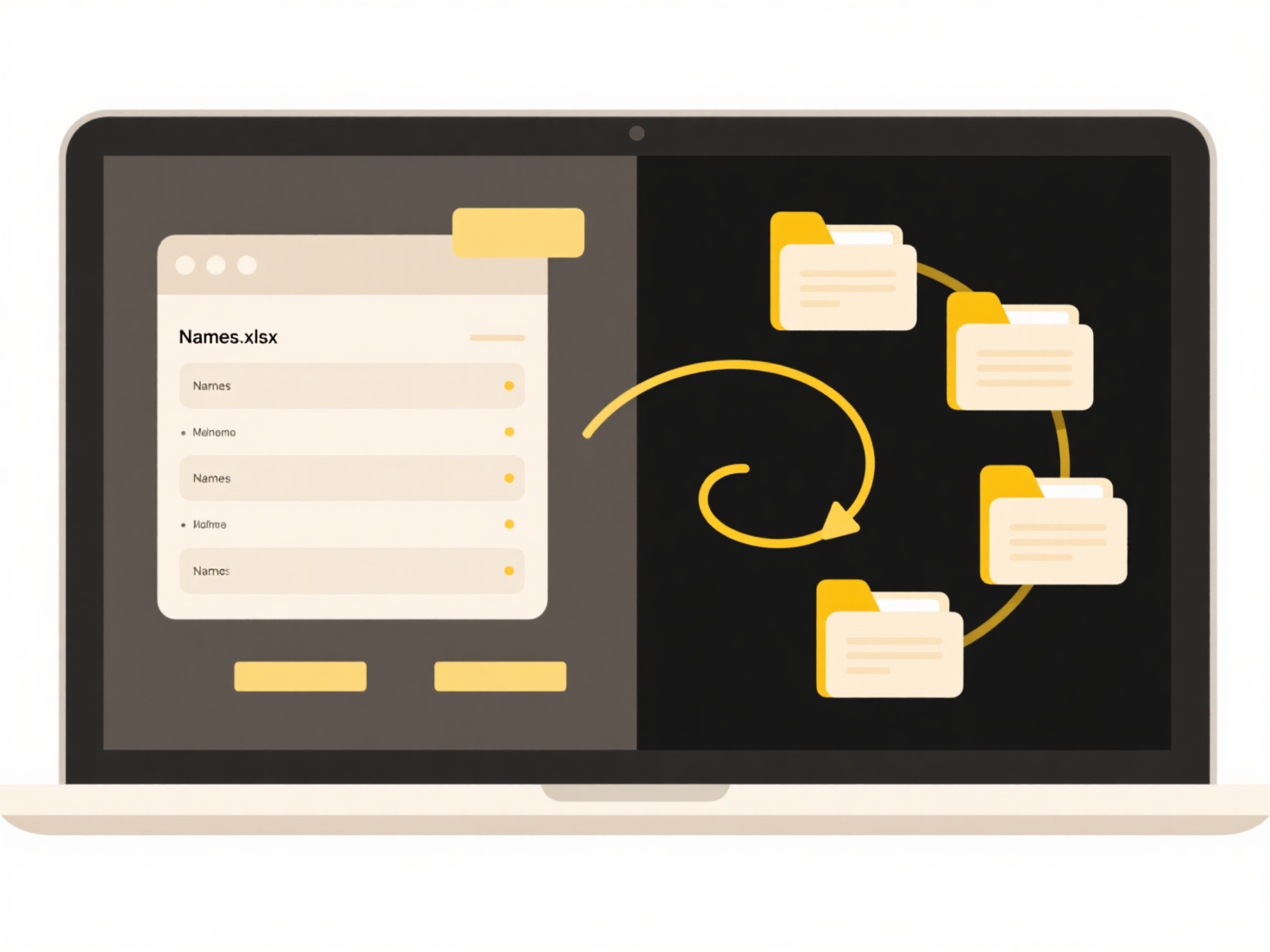
This commonly happens with complex documents. For example, a Microsoft Word document (.docx) opened in Google Docs might show misaligned text boxes or changed fonts because the styling definitions aren't perfectly compatible. Similarly, a complex webpage (HTML/CSS) can look very different in Firefox compared to Chrome due to variations in how each browser engine implements web standards. Content creators and developers frequently face this when moving work between different editing suites or testing cross-browser compatibility.
The main limitation is inconsistency; precise visual presentation isn't always portable. Being aware of this helps users choose robust file formats (like PDF for final viewing) or simpler formatting when sharing between different tools. Testing the file in the target application before finalizing distribution mitigates issues. While standardization efforts continue, perfect compatibility across all software is challenging due to competitive innovation and proprietary features. This drives the need for careful workflow planning and format selection based on the end user's tools.
Why does formatting break when I open a file in a different app?
Formatting can break when opening files in different applications because each app uses its own methods to interpret and display file contents. Your file contains both the core content (like text or data) and formatting instructions (styles, layouts). However, apps prioritize these instructions differently and have unique rendering engines. An app might not recognize specific formatting features from the original software, or it might apply its own default styles that override yours. Essentially, the receiving app reads the file data based on its own rules, not necessarily the rules of the app that created it.
This commonly happens with complex documents. For example, a Microsoft Word document (.docx) opened in Google Docs might show misaligned text boxes or changed fonts because the styling definitions aren't perfectly compatible. Similarly, a complex webpage (HTML/CSS) can look very different in Firefox compared to Chrome due to variations in how each browser engine implements web standards. Content creators and developers frequently face this when moving work between different editing suites or testing cross-browser compatibility.
The main limitation is inconsistency; precise visual presentation isn't always portable. Being aware of this helps users choose robust file formats (like PDF for final viewing) or simpler formatting when sharing between different tools. Testing the file in the target application before finalizing distribution mitigates issues. While standardization efforts continue, perfect compatibility across all software is challenging due to competitive innovation and proprietary features. This drives the need for careful workflow planning and format selection based on the end user's tools.
Quick Article Links
Why do some operating systems add a file extension during rename?
Some operating systems automatically add or preserve file extensions when renaming files as a usability feature to preve...
Can I search across multiple cloud services at once?
Cross-cloud search enables simultaneous querying of multiple distinct cloud storage services (like Google Drive, Dropbox...
Can I export files with password protection?
File export with password protection allows you to save a copy of a file from an application while encrypting it so that...